Best Social Media Content Planner Tools for 2026: A Comprehensive Review
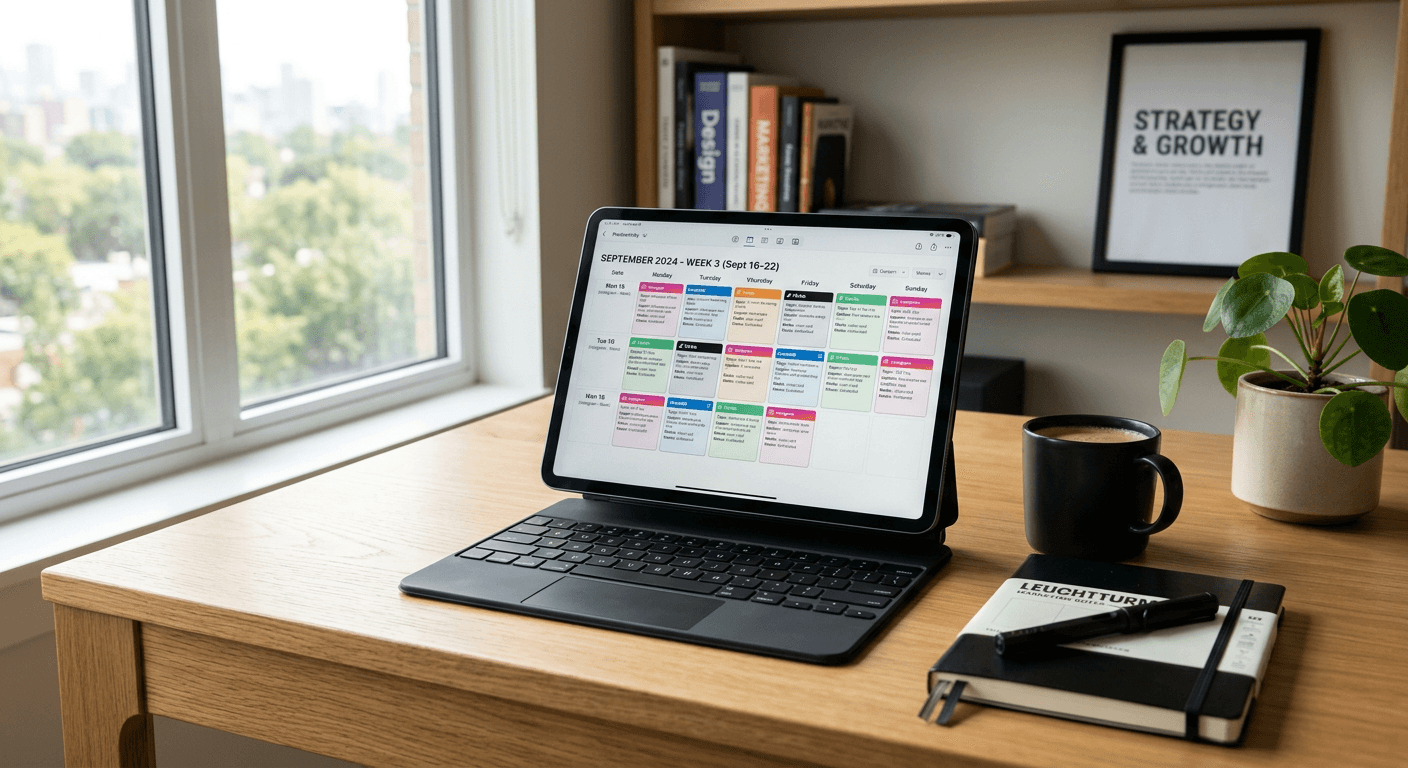
Selecting the right social media content planner is essential for maintaining a consistent brand voice and ensuring high engagement across digital channels. As the volume of social content grows, British creators and growing businesses require robust systems to organise their output, automate routine tasks, and track performance against key business metrics. Modern workflows often rely on a centralised social media content calendar to bridge the gap between creative strategy and day-to-day execution.
Quick Summary {#quick-summary}
A social media content planner is a digital organisational tool used to schedule posts, manage cross-platform publishing, and analyse campaign results. By centralising these efforts, users maintain brand consistency while saving significant operational time.
- Streamlines cross-platform content scheduling.
- Improves team collaboration and asset management.
- Provides data-driven insights for better engagement.
- Ensures consistent posting cadences across all social channels.
Table of Contents {#table-of-contents}
- Quick Summary
- Comparison Table
- Buffer Social Media Management
- HubSpot Social Media Marketing
- Manual Spreadsheets and Collaborative Documents
- Dedicated Social Media Scheduling Tools
- Buying Guide: How to Choose a Social Media Planner
- FAQ
- Recommended Reads

Comparison Table {#comparison-table}
| Tool Category | Best For | Complexity | Key Strength |
|---|---|---|---|
| Buffer | Small-to-medium teams | Low | Simple, intuitive interface |
| HubSpot | Integrated marketing | High | Full-funnel analytics |
| Manual Tools | Budding freelancers | Low | Maximum flexibility |
| SaaS Schedulers | High-volume publishers | Medium | Advanced automation |
Buffer Social Media Management {#buffer-social-media-management}
Buffer social media management is widely regarded for its intuitive interface, making it a popular choice for creators and small businesses prioritising ease of use. It allows users to schedule posts across multiple platforms from a single dashboard, reducing the friction often associated with manual posting.
Key Features and Use-Cases
- Multi-channel scheduling: Manage Instagram, TikTok, and X feeds in one view.
- Engagement tools: Respond to comments directly within the platform.
- Performance tracking: Simplifies basic analytics to measure reach and engagement.
Pros and Cons
- Pros: Extremely user-friendly; clean interface; excellent free-tier options.
- Cons: Limited advanced automation compared to enterprise suites; analytics lack deep-funnel attribution.
HubSpot Social Media Marketing {#hubspot-social-media-marketing}
HubSpot social media marketing provides an integrated solution for businesses already embedded in the wider HubSpot ecosystem. This tool excels by connecting social media activity directly to the lead generation funnel, allowing marketers to understand which posts actually drive sales or conversions.
Key Features and Use-Cases
- CRM Integration: Sync social interactions with existing customer data.
- Campaign ROI: Track the impact of social efforts on revenue growth.
- Monitoring: Set up alerts for brand mentions or industry keywords.
Pros and Cons
- Pros: Deep integration with sales data; robust reporting; powerful monitoring capabilities.
- Cons: High learning curve; expensive for smaller organisations; often overkill for basic content scheduling.
Manual Spreadsheets and Collaborative Documents {#manual-spreadsheets-and-collaborative-documents}
For freelancers or creators in the early stages, manual spreadsheets remain a viable, low-cost social media planning tool. While they lack the automation of dedicated platforms, they offer unparalleled customisation for content brainstorming and visual planning.
Key Features and Use-Cases
- Customisation: Tailor your calendar columns to fit specific workflows.
- Budget-friendly: Zero recurring software costs.
- Simplicity: No need to learn new interfaces or manage complex integrations.
Pros and Cons
- Pros: Total control; easy to share with clients for feedback; no subscription fees.
- Cons: No automated publishing; high risk of human error; manual tracking required for analytics.
Dedicated Social Media Scheduling Tools {#dedicated-social-media-scheduling-tools}
Beyond the major names, dedicated SaaS platforms designed specifically for scheduling represent a balanced category for growing businesses. These tools typically focus on features like visual grid previews for Instagram, bulk upload capabilities for large content libraries, and advanced AI-assisted caption writing.
Key Features and Use-Cases
- Visual Planning: Drag-and-drop grid builders for aesthetic feeds.
- Automation: Smart scheduling based on when your audience is most active.
- Content Repurposing: Easy tools to resize and adapt assets for different platforms.
Pros and Cons
- Pros: Highly specialised features; strong focus on time-saving; often more affordable than enterprise CRM suites.
- Cons: Requires integration with other tools like https://kodelink.uk.com for managing the final link-in-bio traffic destination.
Buying Guide: How to Choose a Social Media Planner {#buying-guide-how-to-choose-a-social-media-planner}
Selecting the right social media planner requires assessing your current volume and future growth projections. If your primary goal is to drive traffic from social channels to a landing page or store, ensure your chosen tool integrates well with other digital assets. Managing a branded link page alongside your content calendar is often the best way to convert followers into customers.
Consider the following when evaluating your options: Does the tool require a dedicated person to manage it, or is it automated enough for a lean team? Can it provide the specific performance insights your business needs to justify its marketing spend? Always factor in the cost of time versus the subscription fee; often, a moderately priced tool pays for itself by reclaiming hours otherwise spent on manual updates.
FAQ {#faq}
- What is the most important feature in a social media planner? Reliability and cross-platform scheduling are vital, but analytics integration is key for understanding audience behaviour.
- Can I manage my social content without a paid tool? Yes, manual spreadsheets are effective for small-scale operations, though you will lose out on time-saving automation.
- How do social media schedulers affect account reach? Most platforms are indifferent to how content is published, provided the content itself offers genuine value to the user.
- Do I need an all-in-one suite or a standalone scheduler? If your social media strategy is tied to complex sales funnels, an integrated suite is better; for pure brand building, a specialised scheduler is more efficient.