How to Build a Social Media Content Calendar That Actually Works
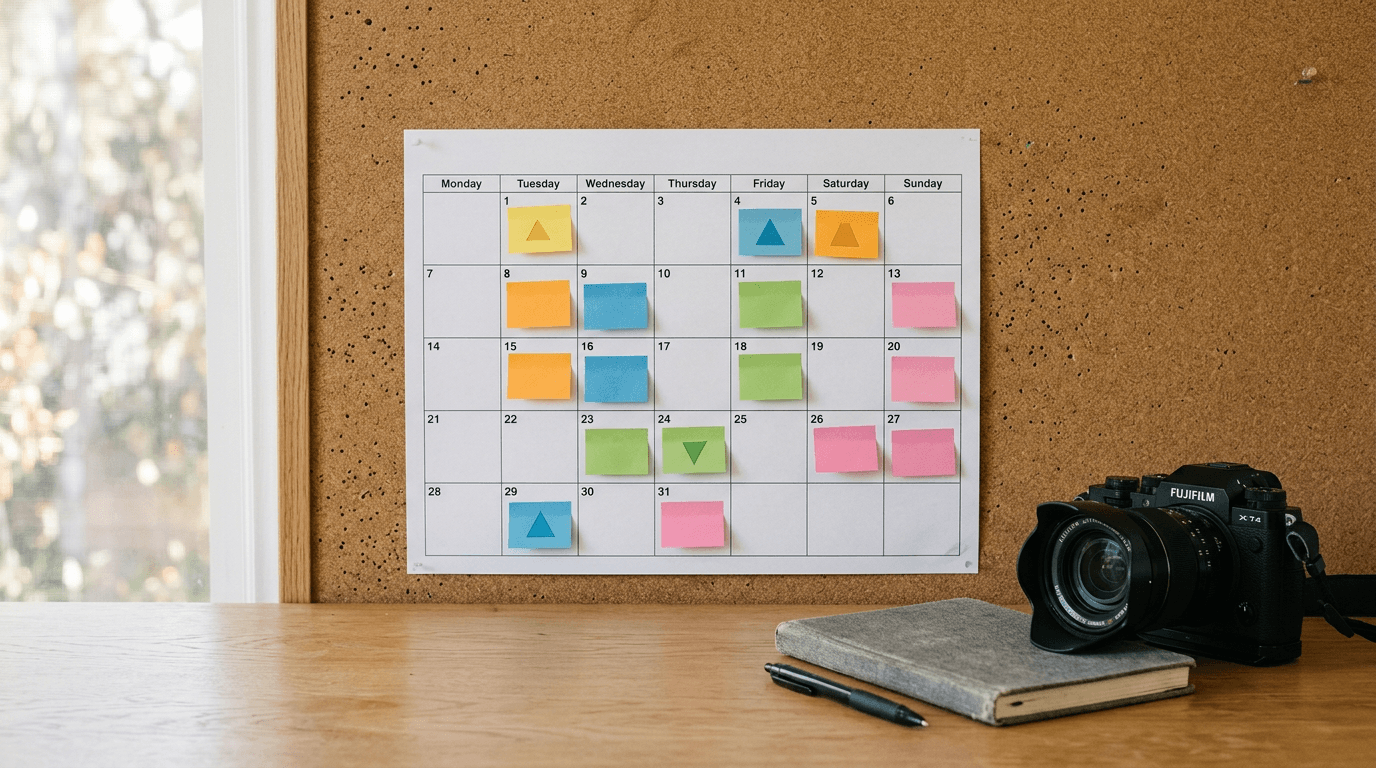
A common mistake when starting a social media content calendar is treating it like a blank canvas waiting for inspiration. In reality, a functional calendar is a production schedule. When you are managing digital business cards, custom domains, and a link in bio all pointing to your content, you cannot afford to figure out what to post at 9:00 AM every morning. A working planner removes decision fatigue entirely by the time publishing day arrives.
Quick Summary
A social media content calendar is a structured framework that dictates what, when, and where you publish updates across your platforms. Rather than improvising daily, you map out themes, prepare assets in advance, and schedule distribution.
- Establishes clear content pillars for social media to ensure topic variety.
- Separates the creation phase from the publishing phase.
- Prevents silent periods during busy weeks.
- Aligns daily posts with broader business objectives and product launches.
Table of Contents
- 1. Define Your Content Pillars First
- 2. Establish a Sustainable Publishing Cadence
- 3. Separate Creation from Scheduling
- 4. Map Content to Your Sales Cycle
- Common Pitfalls & Troubleshooting
- Recommended Reads
1. Define Your Content Pillars First
The foundation of any social media content planner is not the dates; it is the categories. Content pillars for social media are three to five core topics your brand consistently discusses. If you are a British creator selling custom presets, your pillars might be behind-the-scenes editing, user transformations, technical tutorials, and direct promotional offers.

Without pillars, you risk posting a string of disconnected thoughts or, worse, endless promotional flyers. The mechanism here is constraint: when you know Tuesdays are always for technical tutorials, you only have to think of one tutorial, not invent a topic from scratch.
Practical rule: If a piece of social media content does not fit into one of your defined pillars, it does not belong on your main feed, no matter how clever it is.
The mistake most freelancers make here is adopting generic pillars like "Inspiration" or "Education." These are too broad to guide production. A pillar must be specific enough that you can immediately picture five distinct posts that fit inside it.
2. Establish a Sustainable Publishing Cadence
A social media planner only works if the volume it demands matches the resources you have. Committing to posting three times a day across four platforms because a marketing blog suggested it is how calendars get abandoned by week two.
Start by calculating your baseline: how many high-quality posts can you realistically produce a week without rushing? If the answer is three, schedule three. Consistency at a lower volume outperforms frantic bursts followed by weeks of silence. The algorithms on most platforms favour accounts that train their audience to expect updates at regular intervals.
The mechanical failure here is not accounting for the difference between platforms. A single short-form video might take two hours to script, shoot, and edit, while a text update takes ten minutes. Your cadence must reflect the production cost of the format, not just the number of slots on the calendar.
3. Separate Creation from Scheduling
The most critical shift in using a social media content calendar is uncoupling the act of making the post from the act of publishing it. Writing a caption, finding the right image, and hunting for hashtags while staring at the publishing screen is inefficient.
Instead, use the calendar to batch tasks. Dedicate a Monday morning to writing two weeks' worth of captions. Spend a Thursday afternoon recording the video assets for those captions. Then, take an hour on Friday to load everything into your scheduling tool.
When you separate these functions, you stop context-switching. You are not trying to be a writer, an editor, and a strategist all in the same five-minute window. The common mistake is confusing the scheduling interface for a drafting environment. Always draft elsewhere and use the calendar strictly for staging.
4. Map Content to Your Sales Cycle
A calendar must serve the business, not just fill space on a grid. If you are launching a new product line on the 15th, your calendar should not be filled with random memes on the 13th and 14th.
Work backward from your key business dates. If a launch is happening, the preceding two weeks should feature content pillars focused on the problem your new product solves. The week of the launch is heavily promotional. The week after should highlight early user feedback or answer frequent questions.
The failure mode here is treating the social media planner as a silo, disconnected from what the business is actually trying to sell that month. Every post should either be building an audience to sell to later or directing the existing audience to a conversion point, like a consolidated KODE.link - One Link for Everything landing page.
Common Pitfalls & Troubleshooting
- Symptom: You have a calendar, but you keep missing publishing dates.
- Diagnosis: The calendar is acting as a wish list, not a production schedule. You scheduled the publish date but not the time required to create the asset.
- Fix: Add "drafting" and "asset creation" blocks to your calendar, well before the publishing date. This is the most frequent cause of calendar failure.
- Symptom: Engagement is dropping despite posting consistently.
- Diagnosis: You are likely relying too heavily on one content pillar, boring your audience, or cross-posting the exact same asset across platforms without formatting it for the specific feed.
- Fix: Audit your last 20 posts and categorize them by pillar. If 15 of them are promotional, enforce a strict rotation schedule in your planner.
- Symptom: You run out of ideas halfway through the month.
- Diagnosis: Your pillars are either too narrow or you lack a system for capturing ideas when you are not actively planning.
- Fix: Create a "dump file" or backlog where you immediately log ideas as they happen. When planning your calendar, pull from this backlog rather than trying to brainstorm on demand.