How to get your Instagram link and route audiences without losing clicks
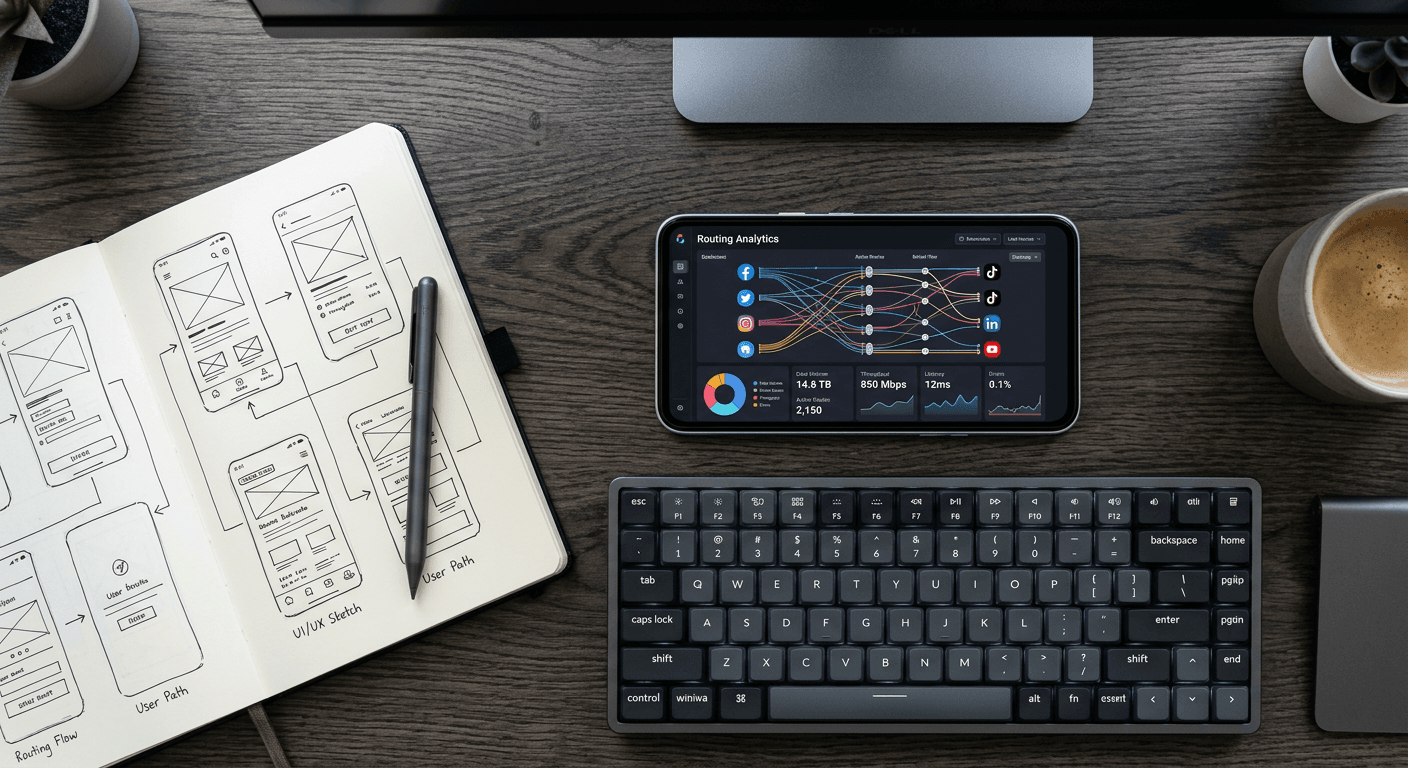
The moment a British creator goes viral on a secondary platform, the primary objective shifts instantly from content delivery to audience capture. You have a brief, volatile window where engagement peaks, yet an astonishing volume of that hard-earned traffic vanishes at the final hurdle. The failure point is rarely the creative itself; it is almost always the routing. When a user clicks a default social media URL, they expect the native application to open. Instead, they are frequently dumped into an unauthenticated, in-app mobile web browser that asks for a password they cannot remember. In a landscape where audience attention is violently fragmented, understanding exactly how to get your instagram link configured for seamless cross-platform routing dictates whether that traffic spike yields a measurable return or simply drains away into bounced sessions. The core of this issue lies in the mechanics of deep linking, uniform resource identifiers (URIs), and platform-specific webview sandboxes that fiercely protect user retention.
Quick Summary
Routing traffic from external platforms to an Instagram profile requires bypassing restrictive in-app browsers that force unauthenticated logins. A raw profile URL frequently fails to trigger the native application, leading to severe drop-off rates during promotional campaigns.
- Native URL strings often default to mobile web views rather than opening the target application.
- Cross-platform sandboxes, like TikTok's internal browser, actively suppress external app launches to retain user attention.
- Editing or pulling a campaign link involves content delivery network (CDN) caching delays that can leave dead URLs active for hours.
- Centralising your routing through a unified landing page prevents traffic loss and captures essential audience analytics.
Table of Contents
- Knowing how to get your instagram link prevents traffic loss
- Operating system intent alters where your audience lands
- Cross-platform friction breaks audience transfer
- Lingering campaign endpoints dilute your core message
- Centralising the exit point captures the lost data
- Evaluating routing infrastructure options
- FAQ
Knowing how to get your instagram link prevents traffic loss
The mechanics of extracting a profile destination seem straightforward until you examine the data appended to the request. When you copy a destination directly from the mobile application, you are not merely copying a static address; you are generating a dynamic query. The platform appends tracking parameters, typically starting with ?igsh=, which identify the session, the sharing origin, and the exact timestamp of the action.
While these parameters allow the platform to map social graphs, they are heavily prone to breaking external routing handlers. If a user clicks that exact string from a different mobile environment, the origin application's Universal Link parsing can choke on the query string. Understanding exactly how to get instagram profile link addresses that are clean and stripped of session data is the first defensive step in traffic management. A raw domain string (instagram.com/username) is safer than a parameter-heavy share link, but it still relies on the host device's operating system to interpret the destination correctly.
When a request fires, the operating system intercepts it and checks an internal directory - the Apple App Site Association (AASA) file on iOS, or the Digital Asset Links JSON on Android. If the host app is installed, and the AASA file confirms that the specific URL path should be handled natively, the app opens. If the query string confuses the parser, the OS falls back to the default web browser. Because the user is almost never logged into Instagram on their mobile Safari or Chrome browser, they hit a login wall. They do not log in; they close the tab.
Practical rule: Strip all alphanumeric tracking parameters appended after the question mark in your social URLs before deploying them into a live campaign; clean paths dramatically increase the likelihood of triggering a native app launch.
Operating system intent alters where your audience lands
The battle for a user's attention is fought at the operating system level. Mobile operating systems employ 'intents' (Android) and 'Universal Links' (iOS) to decide how a web address behaves. However, these protocols are not foolproof, and third-party applications frequently hijack them.
Consider what happens when a user attempts to save instagram profile details for later review. If they use a third-party reading tool, a note-taking application, or a clipboard manager, the way that software handles the HTTP request determines what is actually saved. If the tool does not support deep linking or fails to pass the correct user-agent headers, the request is served a generic fallback HTML page rather than the rich profile metadata. The visual preview fails to load, the metadata is lost, and the saved entity becomes a dead string of text.
Furthermore, different versions of mobile operating systems handle edge cases differently. A routing configuration that successfully pushes an iOS 17 user into the native Instagram app might trap an Android 13 user inside a Chrome Custom Tab. This fragmentation means you cannot trust a single URL to behave consistently across your entire audience pool. The failure mode here is silent: you will see clicks registering on your outbound analytics, but the corresponding inbound traffic on the destination profile will simply not materialise. The gap between those two numbers is your routing attrition rate.
Cross-platform friction breaks audience transfer
The most aggressive friction occurs when moving audiences between competing video networks. The common query of how to add instagram to tiktok bio configurations usually ignores the underlying hostility between the platforms. TikTok, like many social platforms, utilises a proprietary WKWebView (on iOS) or WebView (on Android) sandbox. When a user taps a link in a TikTok profile, they do not leave TikTok. They are held inside a stripped-down browser layered over the application.
This sandbox is intentionally limited. It does not share cookies with the device's primary browser, meaning any saved login sessions are void. If a British creator places a raw Instagram URL in their secondary platform bio, every single tap results in a login prompt. The bounce rate at this specific chokepoint is severe, as most users simply abandon the page rather than manually enter their credentials.
Mechanically, TikTok also imposes rigid access controls on who can deploy clickable outbound nodes. Standard personal accounts cannot deploy active hyperlinks; they can only display raw text. To activate a clickable field, the entity must convert to a registered Business Account and, in most regions, cross a follower threshold (historically 1,000 followers, though subject to regional enforcement). If you attempt to bypass this by pasting a destination into a standard text field, users are forced to manually highlight, copy, and paste the text into an external browser - a multi-step friction point that effectively kills conversion.
Lingering campaign endpoints dilute your core message
Managing the lifecycle of a promotional destination is just as critical as its deployment. A common failure mode for growing businesses is leaving campaign-specific endpoints active long after the inventory is exhausted or the promotion has closed. The resulting 404 errors not only frustrate users but severely damage algorithmic trust metrics.
When learning how to remove link from instagram bio locations, marketers often overlook the reality of network caching. Editing the URL field inside the application updates the central database instantly, but that state change takes time to propagate. Content Delivery Networks (CDNs) cache profile metadata at edge nodes around the world to ensure the application loads quickly. If a high-traffic profile pulls a destination at midnight, users hitting a cached node at 00:15 may still see - and click - the dead URL.
Moreover, the platform aggressively rate-limits profile updates to combat spam and automated scraping. If an online shop repeatedly swaps its primary bio destination multiple times a day to align with specific flash sales, the API will eventually lock the profile edits for a cool-down period. You are then stuck with whatever URL was last successfully submitted until the rate limit expires. The technical fix is never to swap the primary domain at the source, but to manage the routing logic further down the chain, isolating your social profile from the volatility of your campaign schedule.
Centralising the exit point captures the lost data
Relying on a single native URL forces a binary outcome: the user either reaches the destination or they bounce. You have no mechanism to capture their intent, retarget them later, or offer alternative pathways if the primary route fails. The professional standard is to abstract the routing layer away from the social platform entirely.
By deploying a dedicated intermediary, you take ownership of the traffic before it hits the destination's restrictive environment. When a user clicks, they are instantly routed to a lightweight, branded landing page that operates outside the host platform's sandbox constraints. This architecture allows you to embed your own analytics pixels, capture the click event, and then offer multiple native deep-links that are specifically engineered to force-open the target applications on the host device.
For British freelancers and digital marketers, migrating to KODE.link - One Link for Everything centralises this logic. Instead of fighting rate limits and OS-level routing failures, the creator manages a single, stable domain. The bio never changes, eliminating caching delays and API locks. All campaign updates, destination swaps, and performance tracking occur on the centralised dashboard. If an audience member's device fails to open a native app, the landing page provides immediate, clickable alternatives - capturing the lead rather than losing it to a blank mobile browser window.
Practical rule: Never expose a raw, platform-specific URL as your primary traffic exit point; always route initial clicks through a domain you control to guarantee pixel execution before the user hits an unauthenticated login wall.
Evaluating routing infrastructure options
Choosing how to deploy your exit nodes requires understanding the technical trade-offs of each approach. The matrix below outlines how different architectures handle mobile constraints, analytics, and update velocity.
| Routing Architecture | Deep Link Reliability | Analytics Capability | Update Latency | Risk of API Lock |
|---|---|---|---|---|
| Raw Profile URL | Low (Fails in webviews) | None (Blind traffic) | High (Subject to caching) | High (If swapped frequently) |
| Basic Link Shortener | Medium (OS dependent) | Basic (Click volume only) | Instant (Server-side) | Low (Domain remains static) |
| Branded Link Page | High (Engineered intent) | Advanced (Pixel integration) | Instant (Server-side) | Zero (Domain never changes) |
A raw URL is a direct point-to-point connection that breaks easily under pressure. A basic shortener masks the destination but rarely solves the sandbox webview problem. A branded infrastructure acts as a dedicated traffic controller, absorbing the friction of the mobile web and ensuring the data is captured regardless of whether the final app launch succeeds.
FAQ
Why does my profile link open a blank page for some users? This occurs when the operating system's Universal Link handler fails to parse tracking parameters appended to the URL. The device falls back to its default browser, but because the browser holds no session data for that application, it returns an unauthenticated or blank view.
Can I bypass the webview sandbox on competing social platforms? You cannot force a native app launch directly from within a strict webview sandbox like TikTok's. The traffic must first be routed to an external landing page in the device's native browser, which then executes the deep link protocol to open the target application.
How long does it take for a removed bio link to stop receiving clicks? While the client-side removal is instant, CDN caching and third-party scraping tools can preserve the previous state for up to an hour. Always leave the destination active or deploy a 301 redirect for at least 24 hours after removing it from your profile.
Why is my text string not clickable in my secondary profile bio? Many platforms restrict hyperlink capabilities to verified business accounts or accounts that have crossed a specific follower threshold to limit spam. If you do not meet these criteria, the platform renders the URL as plain, unclickable text.